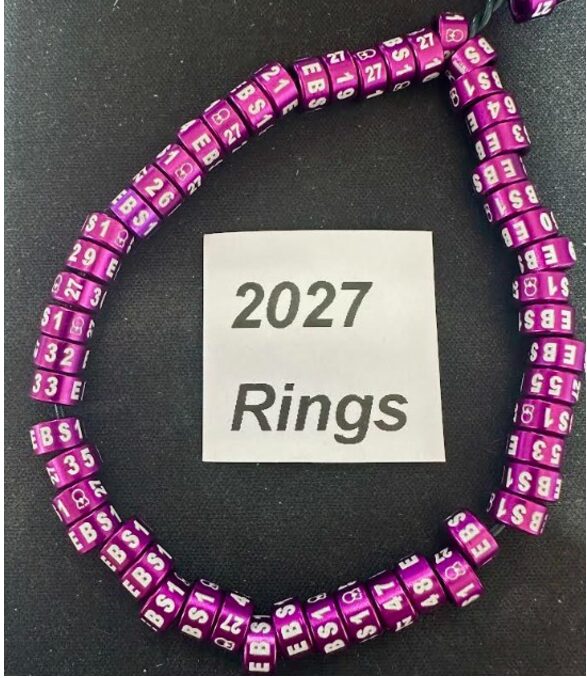
Description
How to Order Rings
Firstly you must sign in properly.
Your User Name is your Ring Code
Your Password in most cases is your email address
(unless you have set up a different password)
Test you have logged in OK by going into Members Area , you will see an icon of a lock scroll down id you can see files in two columbs your in
Now
select Rings you require Standard Exhibition or Colour Budgergar Rings for 2027
Press please select a ring code Your Code will appear click on the code then confirm by clicking on the darken button at the side.
Palce in the start number of the ring esquence at the beginning of the year usualy 1 there after the ring after your last oeder if firstley 40 ring order the next ring would be 41
( Note you can not have two rings withe the same code and number so if you order 60 std exhibition rings they will start at 1 and if the you require 20 colour ring with same dose the they will start at Number 61)
Now select how many rings are required minimum order 20 rings then this can increase in 10’s 20; 30; 40; 50 ect.
Any Problems call Ronnie 07484 326 984